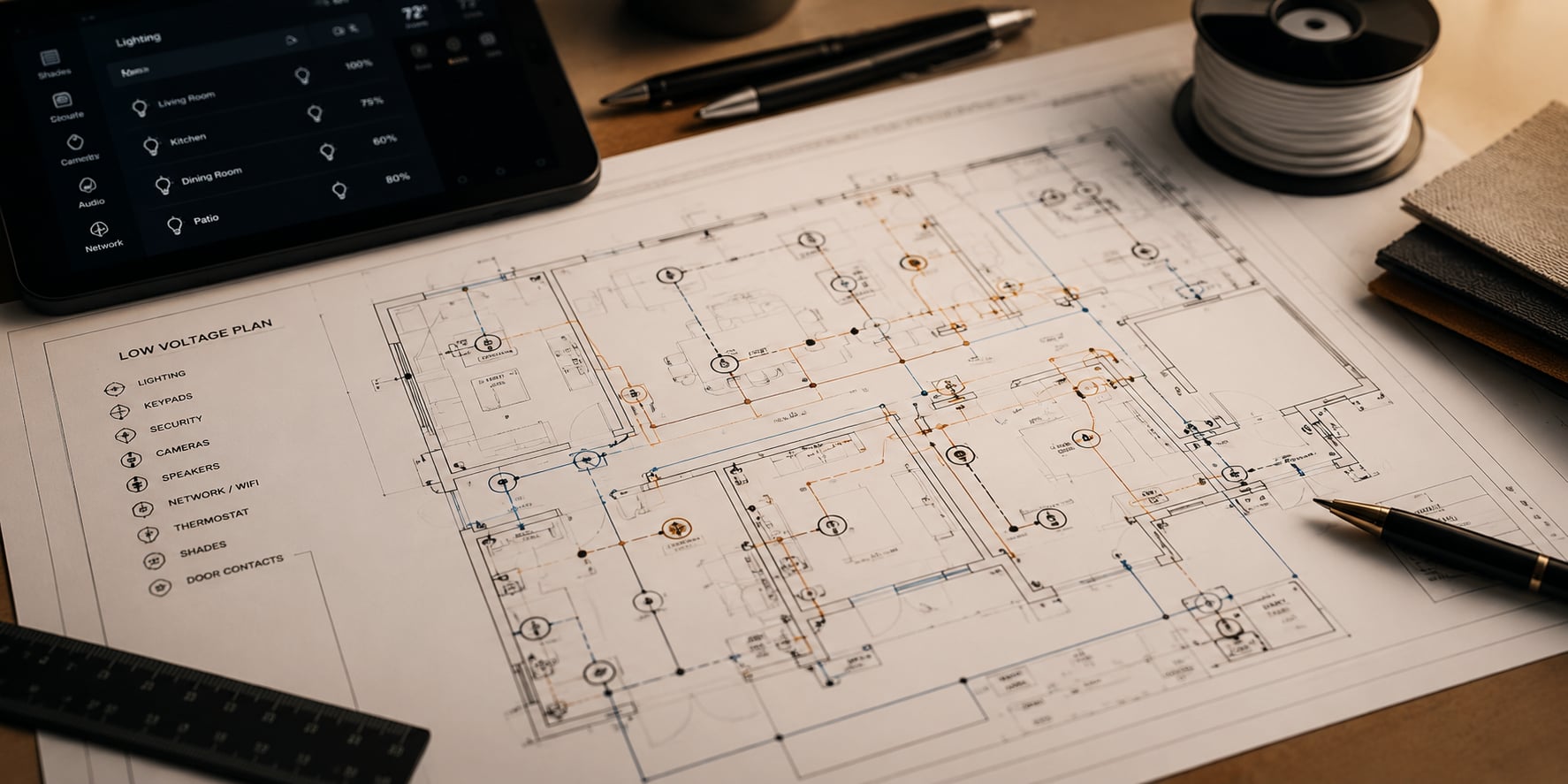
The work-from-home executive's Plano network
Two Zooms running upstairs. Two kids on a video class downstairs. A spouse on a Tollway-corridor team call from the home office off the kitchen. The Plano work-from-home household has become its own kind of business — and the consumer router that came in the box is not the right tool for it. We design enterprise-grade WiFi for executive homes in Avignon, Willow Bend, and the newer Tollway builds, with the kind of switching, access-point density, and VLAN segmentation that an actual office runs on. The household business gets a business-grade network.
The starting move is almost always more access points than you would guess and one good wired backbone. A Willow Bend two-story usually wants three or four access points instead of one router. Each office gets its own VLAN so video calls have priority over the kids streaming. The guest network is genuinely separated from the home network. The Ring cameras and smart fridge live on an IoT VLAN where they cannot embarrass the household if one of them is compromised. The Zoom upstairs does not buffer when the kids start Fortnite downstairs.
The Frustrations We Hear Most
- The Zoom upstairs drops whenever the kids start streaming Netflix downstairs
- The consumer router in the office cannot cover the third bedroom in a Plano two-story
- The smart home devices and the work laptops share the same network with no segmentation
- Gigabit Plano fiber is wired straight into a router that maxes out at four hundred megabits
- The guest network is the same SSID as the family network and the in-laws end up on the smart-home VLAN
How We Do It in Plano
A signal survey of your Plano home — We walk every floor with professional survey tools, including the upstairs corners and the back garden if it matters to you. We map dead spots, interference, and the specific shapes your current network is missing.
A wired backbone plan — Even in retrofits, we run Cat6 where it can land cleanly — through Plano attic chases, soffits, and existing low-voltage runs. The access points hang off a real backbone, not a daisy-chain of mesh nodes.
Enterprise access point and switch specification — WatchGuard or Ubiquiti enterprise-class equipment, sized for the simultaneous device count your household actually runs. Multi-gig switching where the Plano fiber drop deserves it.
VLAN architecture — Separate networks for the home office, family, guests, and IoT. Quality-of-service rules that prioritize the executive video call over the gaming traffic.
Install and commissioning — Hardware mounted in finished spaces with no exposed cabling, rack assembled cleanly in the equipment closet, every access point tested at the location it will live in.
A six-month tune — We come back six months later, review the actual usage data, and refine. Most Plano households add devices we should account for and remove some that no longer matter.
Who We Help in Plano
- You, a Plano executive working from home most days, who cannot afford a dropped video call
- You, with two professionals in the same household running simultaneous Zooms in Avignon
- You, in Willow Bend, in a 1990s two-story where the WiFi has never reached the upstairs guest bedroom
- You, in Deerfield, with four kids and four simultaneous streams every weeknight
- You, who is paying for gigabit Plano fiber and seeing two hundred megabits on the laptop
The Questions People Actually Ask.
I run Zoom calls all day from my Avignon home office. What is the actual difference an enterprise network makes?
Consistent uplink under household load. Your call holds its bitrate when the kids start a movie. The network detects which traffic is video conferencing and gives it priority. Day to day, you stop noticing the network — which is the point.
My Willow Bend two-story has WiFi dead zones upstairs. Can you fix it without tearing into walls?
In nearly every case, yes. We pull Cat6 through the attic to the location where a ceiling-mounted access point lands cleanly. One small ceiling penetration per access point, patched and painted. The upstairs guest bedroom finally gets the same signal as the office.
Do my Ring cameras and smart fridge really need their own VLAN?
They do. IoT devices have spotty security update histories. Putting them on a segregated VLAN means that if one of them is ever compromised, the attacker cannot reach your work laptop, the home cameras, or your network-attached storage. It is the single most cost-effective security move we make.
We have gigabit Plano fiber. Why are we only seeing two hundred megabits on the laptop?
Almost always because the ISP router and the household switching cannot handle gigabit throughput at the same time as routing, firewall, and WiFi. A proper enterprise router with multi-gig switching lets the full fiber speed actually reach your devices.