Ask Sage

Home Networking & WiFi Dallas TX

Wi-Fi that never drops, in every corner of the home.

the closet nobody sees, doing the work everyone feels. Enterprise WiFi, Cat6A, quietly engineered.

Plan Coverage, Cabling and Service Before Choosing Hardware

A reliable home network starts with the spaces and devices it needs to serve. Map offices, media rooms, cameras, control processors, patios and outbuildings; note wall materials, floor levels and areas where a wired connection is preferable. Coverage goals, internet service, equipment location and access for future service should be documented before hardware is selected.

TruDefinition plans home networking and Wi-Fi for Dallas-Fort Worth residences. Access-point placement, cabling, switching and security features depend on the property, the selected equipment and the required coverage. A site review can identify practical cable routes and a proposal should state what will be installed, configured, tested and supported.

01

Map the Coverage

List every indoor and outdoor area that needs service, the devices used there and the construction materials between them. Use a site survey and post-installation testing to validate the design rather than promising universal coverage from a floor plan.

02

Wire the Fixed Devices

Plan wired connections for access points, televisions, cameras, workstations and equipment racks where practical. Cable category, fiber and conduit choices depend on distance, bandwidth, installation conditions and the selected hardware.

03

Separate and Secure Access

Decide how household, guest and connected-device traffic should be organized; who owns the administrator account; and whether remote access is needed. Segmentation, filtering and monitoring features are hardware- and service-plan specific.

Tell us where it drops.

Describe the dead zone, the dropped call, the buffering wheel. We'll engineer it out.

01

New Construction or Existing Home?

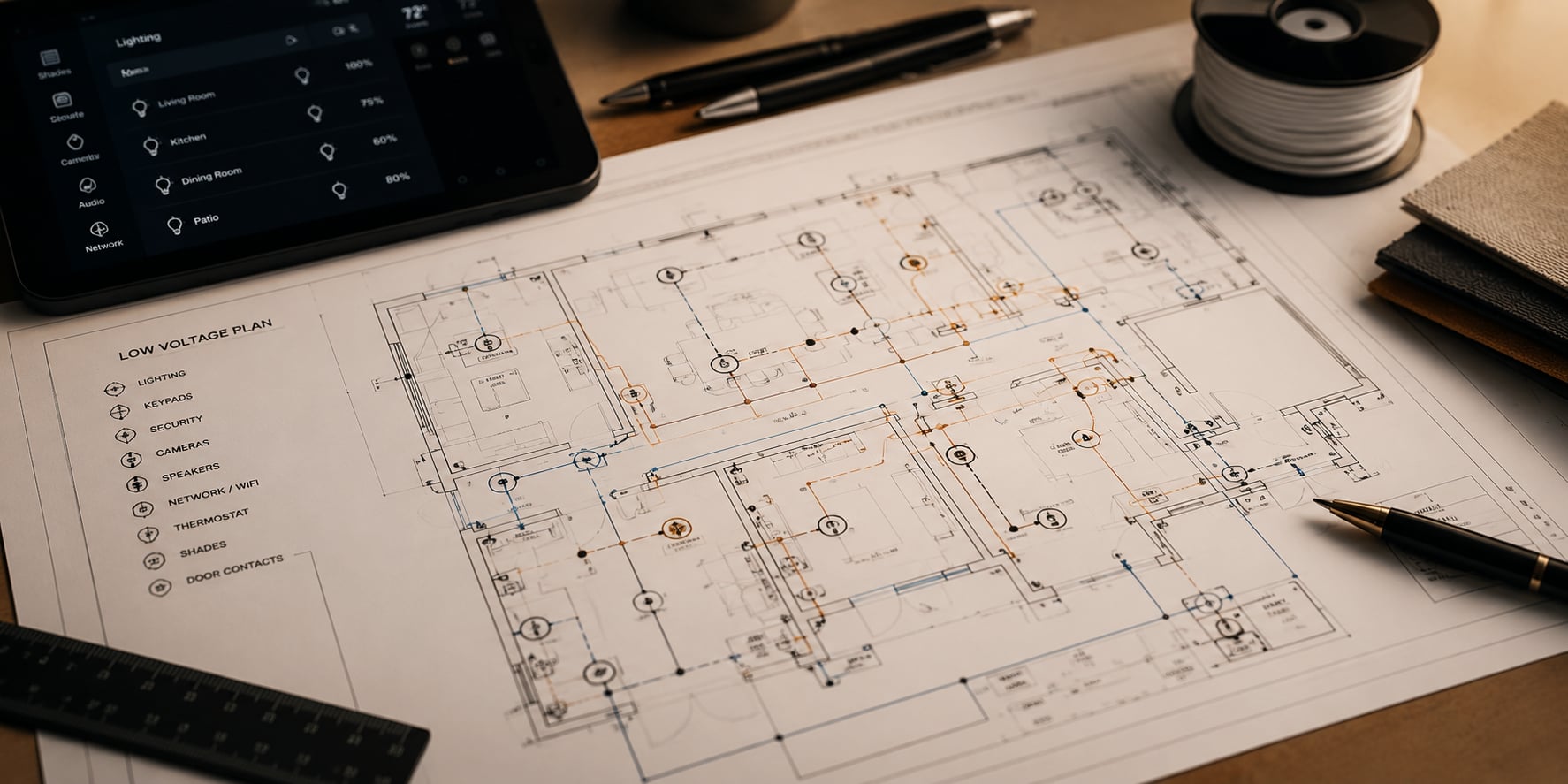
New construction allows cable paths, equipment space, power, ventilation and access-point locations to be coordinated before walls close. Put the network plan on the low-voltage drawings and reserve service access at the rack.

An existing home starts with a walkthrough of construction, available pathways, current cabling, internet handoff and equipment. The proposal should identify where new cable is practical, where visible work or repair may be required and which existing components can be retained.

02

What Determines the Scope and Cost?

Property size and construction, indoor and outdoor coverage, access-point count, cabling, switches, firewall features, rack and power work, internet handoff and integration with cameras or automation all affect scope.

Compare proposals by the exact coverage areas, hardware, cable runs, configuration, testing, documentation and support included. Ask which subscriptions, internet-provider work and future service are separate.

03

Testing, Accounts and Handoff

Before handoff, test Wi-Fi in the agreed spaces and verify important wired devices, roaming, guest access and recovery after a restart. Record any coverage limits or internet-service constraints rather than masking them.

Document the installed equipment, network names, administrator ownership, credential transfer, backup or recovery process and agreed update, monitoring and support terms. Enable multifactor authentication where the selected platform supports it.

The Details That Matter

Home Networking — The Detailed Side.